Your certificate, on a page anyone can check.
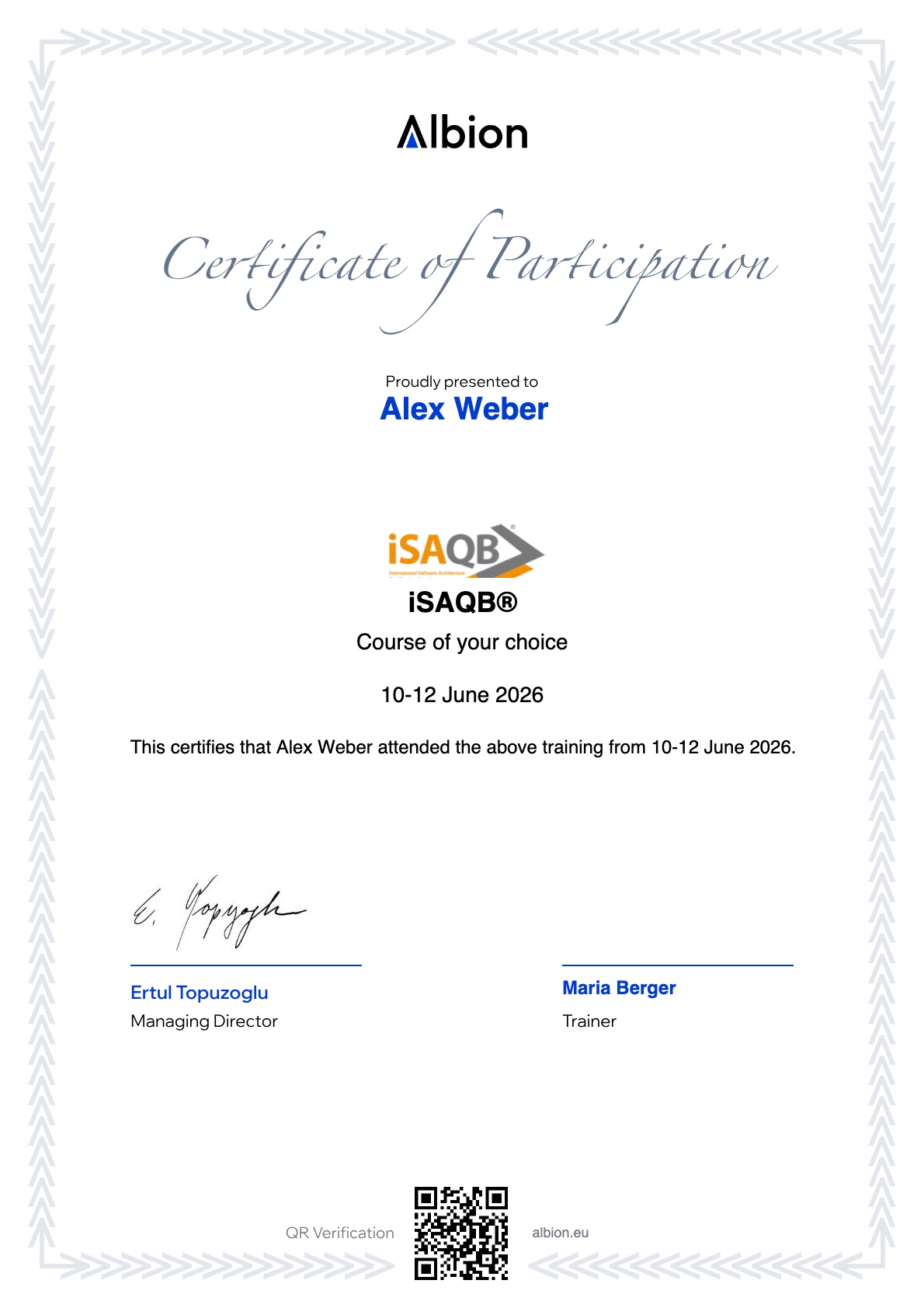
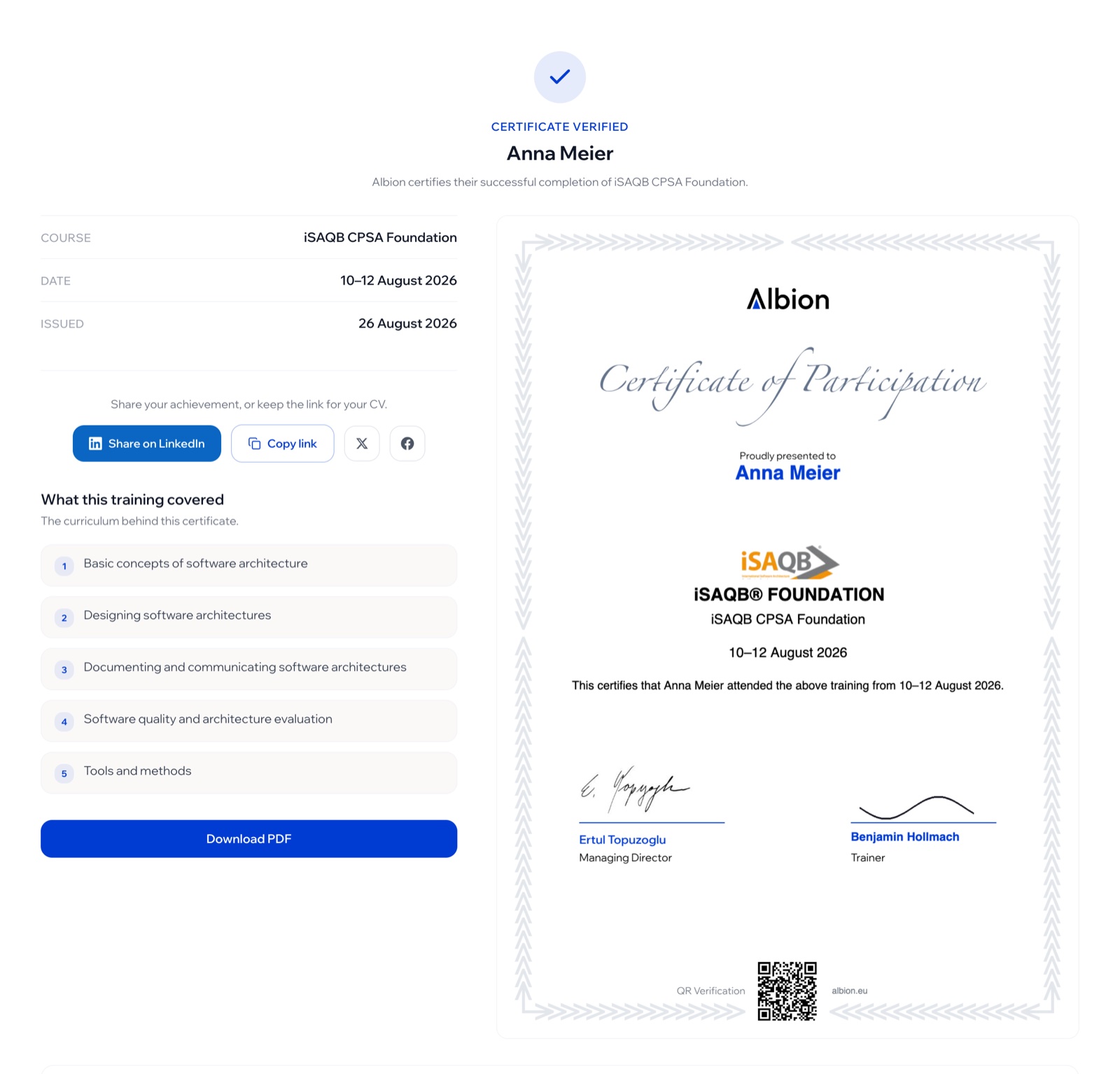
Every training you finish with Albion is issued as a certificate with its own permanent page: your name, the course, the dates, and a QR code that leads back to that page. You send one link, and whoever opens it can confirm it came from us.
Trusted by architecture teams at
- Siemens
- SAP
- Bosch
- Allianz
- Deutsche Bank
- Zalando
From the last day of the course to a link you can send.
A certificate only counts if someone can check it. Every certificate we issue gets its own permanent, verifiable page: one link that proves it, with no PDF to dig out.
Independently verifiable
A QR code and public page anyone can check, no account needed.
One link to share
One link for your CV, LinkedIn or email signature.
Professionally presented
Branded, high-resolution, and downloadable as PDF.
Permanent and always live
The page stays online for good and never expires.
See the showroom in action.
These sample certificates each open a real verification page, with a scannable QR code and a downloadable PDF.
The names on these certificates are made up. They are samples that show what a certificate looks like, not people who trained with us.
- VerifiedElena FischerAdvancedCPSA Advanced Level – Domain-Driven Design (DDD)View this certificate
- VerifiedMarco RossiAdvancedCPSA Advanced Level – Flexible Architecture Models (FLEX)View this certificate
- VerifiedSophie LaurentAdvancedCPSA Advanced Level – Web Security Architecture (WEBSEC)View this certificate
- VerifiedDavid NovakFoundationCPSA Foundation Level – Software ArchitectureView this certificate
- VerifiedAnna KowalskiFoundationCPSA Foundation Level – Software ArchitectureView this certificate
- VerifiedLiam O'ConnorAdvancedCPSA Advanced Level – Cloud Infrastructure (CLOUDINFRA)View this certificate
Already trained with us? Your certificate page is already live.
Every certificate we issue gets its own page and its own link the moment it is issued. Sign in to copy your link, or download the PDF with the verification QR code on it.
One link, both certificates.
Your Albion certificate confirms that you completed the training. The exam certificate comes from iSAQB, not from us.
You add it yourself, from your certificates page, in about a minute. After that anyone you share your certificate with sees the training and the certification together, each downloadable, each verifiable.
Add mine now
- 1
Sit the exam with the board
Your training prepares you; the certification exam is taken with iSAQB itself. They issue the exam certificate as a PDF.
- 2
Add it from your certificates page
Sign in, open Certificates and choose "Add exam certificate". A single-page PDF, up to 5 MB.
- 3
Check it, then save
You see exactly how it will look before anything is published. Saving locks it: a document that could be swapped afterwards would prove nothing.
- 4
One link shows both
Your certificate page now carries the training certificate and the exam certificate side by side, each downloadable, each verifiable. Same address as before, so a printed QR code keeps working.
Questions about sharing your certificate.
- Does anyone need an account to check my certificate?
- No. The verification page is public. Anyone with the link, or anyone who scans the QR code on the PDF, sees the certificate and can confirm it came from Albion.
- Where do I find the link to my certificate?
- In your Albion account, under Certificates. It is also in the email we send when the certificate is issued.
- What is the difference between the training certificate and the exam certificate?
- The training certificate is issued by Albion and confirms that you completed the training. The exam certificate is issued by iSAQB and confirms that you passed their exam. If you hold both, they sit on the same page.
- Does the link expire?
- No. The page stays online, so a link on your CV keeps working. If a certificate is ever withdrawn, the page says so instead of disappearing, which is what makes it worth checking.
Your certificate starts with a course.
Book an accredited iSAQB training with Albion, online or in person, and the certificate page comes with it.